 Customer login
 Career
 VR
VR

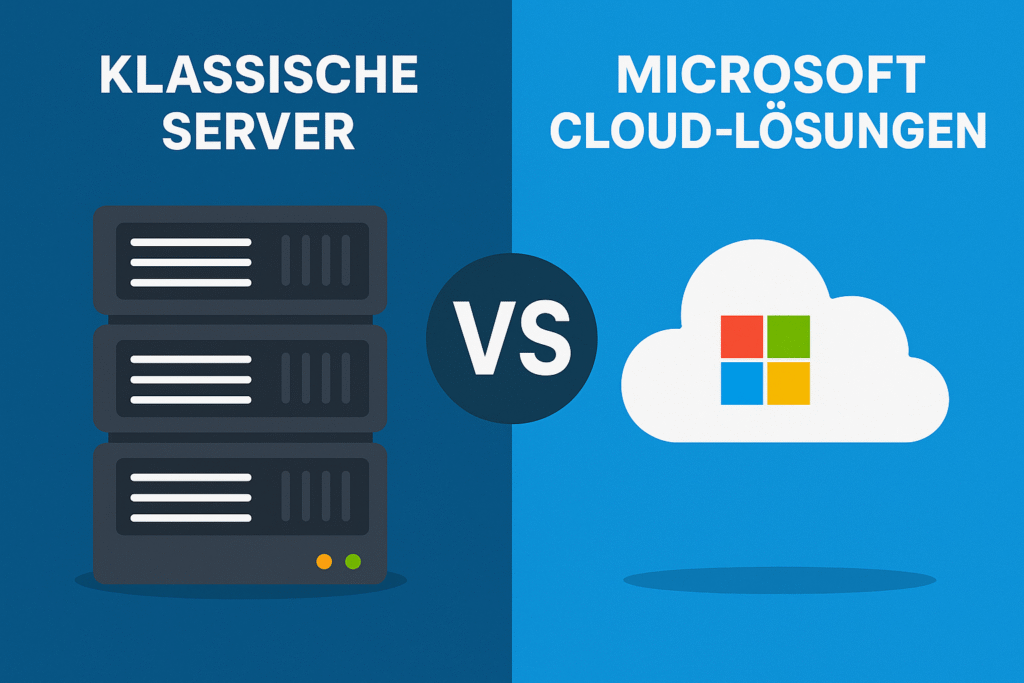
The IT world is on the brink of change: while many companies have relied on traditional servers in their own data centers for decades, modern cloud solutions are becoming increasingly important. The Microsoft cloud in particular, with services such as Azure and Microsoft 365, offers new opportunities for flexibility, security and collaboration. But when is it worth making the move to the cloud and what advantages do traditional servers still have? A look at the differences shows which solution suits individual requirements.
The differences between traditional servers and modern cloud solutions are particularly evident in the areas of infrastructure, costs, security and collaboration. While traditional servers require a high initial investment in hardware, licenses and maintenance, the Microsoft cloud scores with a flexible subscription model. Companies only pay for the resources they actually use and can scale these up or down at any time as required. This eliminates the time-consuming planning of server capacities, which often leads to over- or undersizing with local systems.
Classic servers vs. Microsoft cloud solutions
1. infrastructure & operation
Classic servers:
- Hardware is located in your own data center or in the office.
- High maintenance costs (updates, backups, security patches).
- Capacity must be planned in advance (over- or undersizing possible).
Microsoft Cloud:
- Infrastructure is operated by Microsoft (global data centers).
- Automatic updates, security patches and backups.
- Flexible scaling as required (pay-as-you-go).
2. cost model
Classic servers:
- High initial investment (hardware, licenses, setup).
- Ongoing costs for electricity, air conditioning, personnel and maintenance.
- New investment required after hardware service life (approx. 3-5 years).
Microsoft Cloud.
- Operating cost model (monthly or annual).
- No large investments in hardware.
- Costs scale with usage (e.g. number of users, computing power, memory).
3. security & compliance
Classic servers:
- Security is entirely in the hands of the company.
- Full control, but also full responsibility (firewalls, access rights, GDPR).
- Data center must provide evidence of its own certifications.
Microsoft Cloud:
- ISO, GDPR, SOC, BSI C5 and many other certifications available.
- Data encryption (at rest and in transit).
- Transparent data storage locations (e.g. German Azure regions).
4. collaboration & productivity
Classic servers:
- Collaboration mostly local or via VPN.
- Remote work made more difficult because infrastructure is not optimized for global access.
Microsoft Cloud:
- Close integration with Microsoft 365 (Teams, SharePoint, OneDrive).
- Worldwide access with single sign-on. Real-time collaboration on documents.
5. use cases
Classic servers:
- Companies with strict data protection requirements that want full data sovereignty.
- Legacy applications that are not (yet) cloud-enabled.
Microsoft Cloud:
- Companies that need agility, scalability and remote work.
- Projects with dynamic resource requirements.
- Modern software solutions (AI, analytics, big data, IoT).
| Classic servers (on-premises) | Microsoft Cloud | |
|---|---|---|
| Infrastructure & operation | Own hardware in the data center, high maintenance costs, capacity must be planned in advance | Operation in Microsoft data centers, automatic updates, flexible scaling |
| Use cases | Suitable for legacy systems or companies with strict data sovereignty | Ideal for modern working models, international collaboration, dynamic projects |
| Availability & reliability | Dependent on local infrastructure, redundancy expensive | Georedundancy, disaster recovery, SLA up to 99.99 % |
| Future-proof | Risk of obsolescence after 3-5 years, new investments necessary | Continuous further development, immediate use of new services |
| Performance | Dependent on own hardware, upgrade only with new investment | Access to the latest hardware generations, automatic performance optimization |
Conclusion:
The decision between your own data center or the Microsoft cloud depends heavily on your individual requirements. Anyone who is looking for flexibility, cost efficiency and modern collaboration will find it hard to avoid cloud solutions. Companies that are still heavily dependent on local applications can take a step-by-step approach to the future with a hybrid strategy.

Dominik Zumstrull, Senior IT Consultant
Dein Ansprechpartner für Microsoft Teams in Osnabrück


